Affordable AI Chatbots for Small Business Websites: What Actually Works in 2026
Stop losing leads to slow response times. Learn which affordable AI chatbots actually work for small business websites in 2026.
Your website gets 47 visitors today. Twelve of them ask questions through your contact form. You're in back-to-back meetings, so those questions sit unanswered for six hours. By the time you respond, three of those potential customers have already hired your competitor.
Sound familiar?
Here's the thing: affordable AI chatbots for small business websites aren't some futuristic luxury anymore. They're the difference between capturing leads while you sleep and watching them slip away to whoever answers first.
Table of Contents
What Makes a Chatbot Actually Affordable
Let's get honest about pricing. When we say "affordable," we're talking tools that won't blow your monthly marketing budget—typically $20 to $150 per month depending on conversation volume and features.
But here's what matters more than the sticker price: time saved.
A solid AI chatbot handles the repetitive stuff—answering FAQs about your hours, pricing, services, and availability. That's 60-70% of customer inquiries for most small businesses. If you're currently spending 10 hours a week on these questions, you're looking at roughly $400-600 in labor costs monthly (at $40-60/hour). A $50/month chatbot pays for itself in the first week.
Features Worth Paying For
- Natural language processing that actually understands context (not just keyword matching)
- Lead capture with automatic CRM integration
- Conversation handoff to your team when things get complex
- Multi-channel deployment (website + Facebook Messenger + Instagram)
- Analytics dashboard showing what questions people actually ask
Skip the fancy stuff like voice recognition or video chat unless your business specifically needs it. Most don't.
Best Budget-Friendly AI Chatbot Platforms for 2026
After testing a dozen platforms with clients here in Billings and across Montana, these are the ones that actually deliver without emptying your wallet.
Tidio ($29-$749/month)
Best for: Service businesses and e-commerce sites under 10 employees
Tidio nails the sweet spot between power and simplicity. Their free plan handles basic automation, but their $29 Communicator plan is where things get interesting—you get AI responses, live chat, and integration with your email platform. As part of a comprehensive AI marketing automation for small business strategy, Tidio plays particularly well with tools you're probably already using.
The interface takes about 20 minutes to learn. You can build conversation flows by clicking and dragging—no coding required.
Chatfuel ($14.99-$300/month)
Best for: Businesses prioritizing Facebook and Instagram messaging
If your customers live on social media, Chatfuel makes sense. Their AI handles basic conversations across Facebook Messenger and Instagram DMs while you're closed. The $14.99 plan supports up to 500 conversations monthly—plenty for most small businesses starting out.
The limitation? Website chat costs extra. If you need both website and social, look elsewhere.
ManyChat ($15-$145/month)
Best for: Lead generation and appointment booking
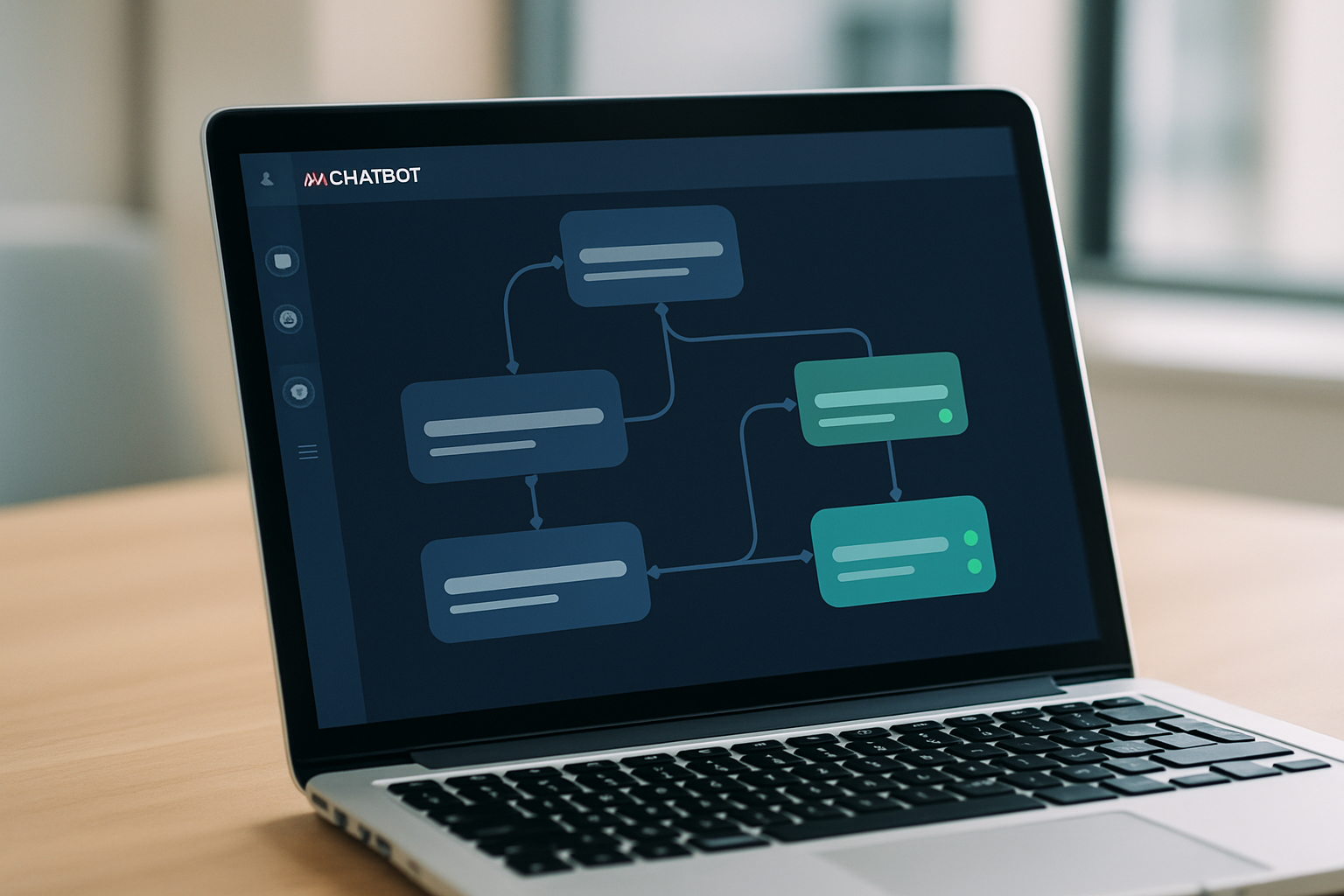
ManyChat excels at moving people through your funnel. Their visual flow builder lets you create conversation paths that qualify leads, book appointments, and collect contact info—all before a human gets involved.
The real power shows up when you connect ManyChat to other tools in your stack. It integrates smoothly with most best AI email marketing tools for SMBs, so leads captured through chat automatically enter your email sequences.
Intercom Fin ($29-$139/month for their AI add-on)
Best for: SaaS companies and tech-forward service businesses
Intercom isn't the cheapest option, but their AI (called Fin) is legitimately impressive. It learns from your help docs and past conversations, getting smarter over time. The catch? You're paying for their base platform plus the AI feature, so budget accordingly.
Worth considering if you're handling complex product questions or technical support.
What to Expect: Real ROI Numbers
Let's talk actual results from small businesses using AI chatbots.
Lead response time: Drops from 4-6 hours (industry average) to under 60 seconds. This alone typically increases conversion rates by 15-25%.
After-hours engagement: Expect 30-40% of your chatbot conversations to happen outside business hours. That's potential revenue you'd otherwise miss completely.
Qualification accuracy: A well-configured chatbot filters out tire-kickers and surfaces serious buyers. One Billings-based HVAC company we work with saw their sales team's close rate jump from 22% to 38% because they were only talking to pre-qualified leads.
Time savings: Most small business owners report saving 8-12 hours weekly on repetitive customer questions.
The Break-Even Timeline
Most businesses see positive ROI within 30-45 days. The calculation is simple:
- Monthly chatbot cost: $50
- Time saved (10 hours at $50/hour): $500
- Additional leads converted (even just 1-2 extra customers): $200-2,000 depending on your average sale
Even conservative estimates show 400-800% ROI in the first quarter.
How to Set Up Your First Chatbot (Without a Developer)
You don't need technical skills. Here's the proven process:
Step 1: Map Your Most Common Questions
Before touching any software, spend two hours reviewing your emails, contact forms, and phone calls from the past month. Write down every question that appears more than twice.
Group them into categories: Pricing, Hours, Services, Booking, Location. These become your chatbot's knowledge base.
Step 2: Choose Your Platform
Pick based on where your customers actually are. Website-heavy traffic? Tidio or ManyChat. Social media dominant? Chatfuel. Don't overthink this—you can switch later if needed.
Step 3: Build Your Welcome Flow
Start simple. Your chatbot's opening should do three things:
- Greet the visitor
- Ask how it can help (with 3-4 button options)
- Deliver the answer or connect them to your team
Example for a Billings accounting firm:
"Hey there! I'm here to help. What brings you by today?"
[Button: Tax Prep Questions] [Button: Pricing Info] [Button: Schedule Consultation] [Button: Something Else]
Step 4: Test Relentlessly
Visit your own website from different devices. Try to break your chatbot. Ask weird questions. Make typos. If it fails, add those scenarios to your training data.
Get three friends or customers to test it before going live. Their feedback is gold.
Step 5: Monitor and Refine
Check your chatbot analytics weekly for the first month. Look for:
- Questions it couldn't answer
- Conversation paths where people drop off
- Common follow-up questions after an automated response
Use this data to expand and improve your conversation flows.
Connecting Your Chatbot to Your Marketing Stack
A chatbot living in isolation is leaving money on the table. The real magic happens when it talks to your other systems.
CRM Integration
Every lead captured through your chatbot should flow automatically into your CRM. Most affordable platforms integrate with HubSpot, Salesforce, and Pipedrive through Zapier if there's no native connection.
This enables smarter follow-up. When your sales team calls a lead, they can see the exact chatbot conversation—what the person asked about, what information they received, where their interests lie.
Email Marketing Sync
People who engage with your chatbot are warmer than average website visitors. Tag them differently in your email system and send more relevant campaigns. If someone asked your chatbot about pricing, they should receive your pricing-focused nurture sequence, not your general newsletter.
Calendar and Booking Systems
Connect your chatbot to Calendly, Acuity, or your booking platform. Let people schedule consultations without leaving the chat window. This eliminates friction and captures appointments 24/7.
One Montana real estate agent we work with books 40% of her property showings through her chatbot's calendar integration—most of those outside regular business hours.
Analytics and Attribution
Connect your chatbot data to Google Analytics to see which traffic sources produce the most chatbot engagement. Are people from Facebook ads more likely to use your chatbot than organic search visitors? This insight shapes where you invest your marketing dollars.
When you're building out your broader automation strategy—including things like how to automate lead scoring with AI and AI customer segmentation for small businesses—your chatbot interaction data becomes incredibly valuable for understanding buyer intent.
Making It Work for Your Business
Here's what separates businesses that get results from chatbots versus those that waste money on them: they treat it like a team member, not a technology.
Would you hire someone and never train them? Never check their work? Never tell them about your new services or updated pricing?
Your chatbot needs the same attention. Block 30 minutes monthly to review conversations, update information, and refine responses. That's it. That's the maintenance.
The businesses seeing the best results are running their chatbots as part of a unified approach—connecting it to their AI social media scheduling tools comparison and other automation. Everything works together, each piece making the others more effective.
Whether you're running a two-person operation in downtown Billings or a 20-person team across Montana, affordable AI chatbots for small business websites aren't about replacing human connection. They're about making sure you're available when your customers need you, even when you physically can't be.
Start small. Pick one platform. Build one solid conversation flow. Launch it. Learn from it. Expand it.
Your future customers—the ones visiting your website at 11 PM on a Tuesday—will thank you.
Need help setting up a chatbot that actually fits your business model and connects to your existing marketing systems? Agency 220 can map out an automation strategy that makes sense for your budget and goals.