Google Business Profile Optimization Tips That Actually Move the Needle in 2026
Your Google Business Profile is competing for customers right now. These optimization tips will help you show up in local search and convert more clicks into customers.
Your Google Business Profile isn't just sitting there waiting to be discovered—it's actively competing against every other business in your category. And if you're not optimizing it properly, you're losing customers to competitors who are. Every day.
The difference between a half-completed profile and a fully optimized one can mean the difference between showing up in the local 3-pack or being invisible to customers who are ready to buy. Let's fix that.
Table of Contents
Complete Every Single Section (Yes, Even the Boring Ones)
Google rewards profiles that give customers complete information. That means filling out every field—business hours, phone number, website, description, services, and attributes.
Your business description should include what you do, who you serve, and why customers choose you. Skip the corporate jargon. Write like you're explaining your business to a friend. If you're a cosmetic dentistry practice, tell people what specific services you offer and what makes your approach different.
Business hours deserve special attention. Keep them updated during holidays, and use the "more hours" feature to specify different times for different services if that applies to your business. Wrong hours mean frustrated customers and negative reviews.
Your phone number should click-to-call on mobile. Your website should load fast and be mobile-friendly—because that's where most of your profile clicks are going.
The Service Menu Matters More Than You Think
If Google lets you add a service menu for your business type, use it. This gives you extra keyword opportunities and helps customers understand exactly what you offer before they contact you.
For service businesses, list your services with clear pricing where possible. Even price ranges help customers self-qualify. Whether you're offering dental crowns or HVAC repairs, transparency wins.
Photos That Actually Perform
Your photos tell customers what to expect before they ever walk through your door. Businesses with photos get 42% more requests for directions and 35% more clicks to their websites than businesses without them.
Upload at least 10-15 high-quality photos covering these categories: exterior, interior, products/services, team members, and customers (with permission). Update photos every 2-3 months to show Google—and customers—that you're active.
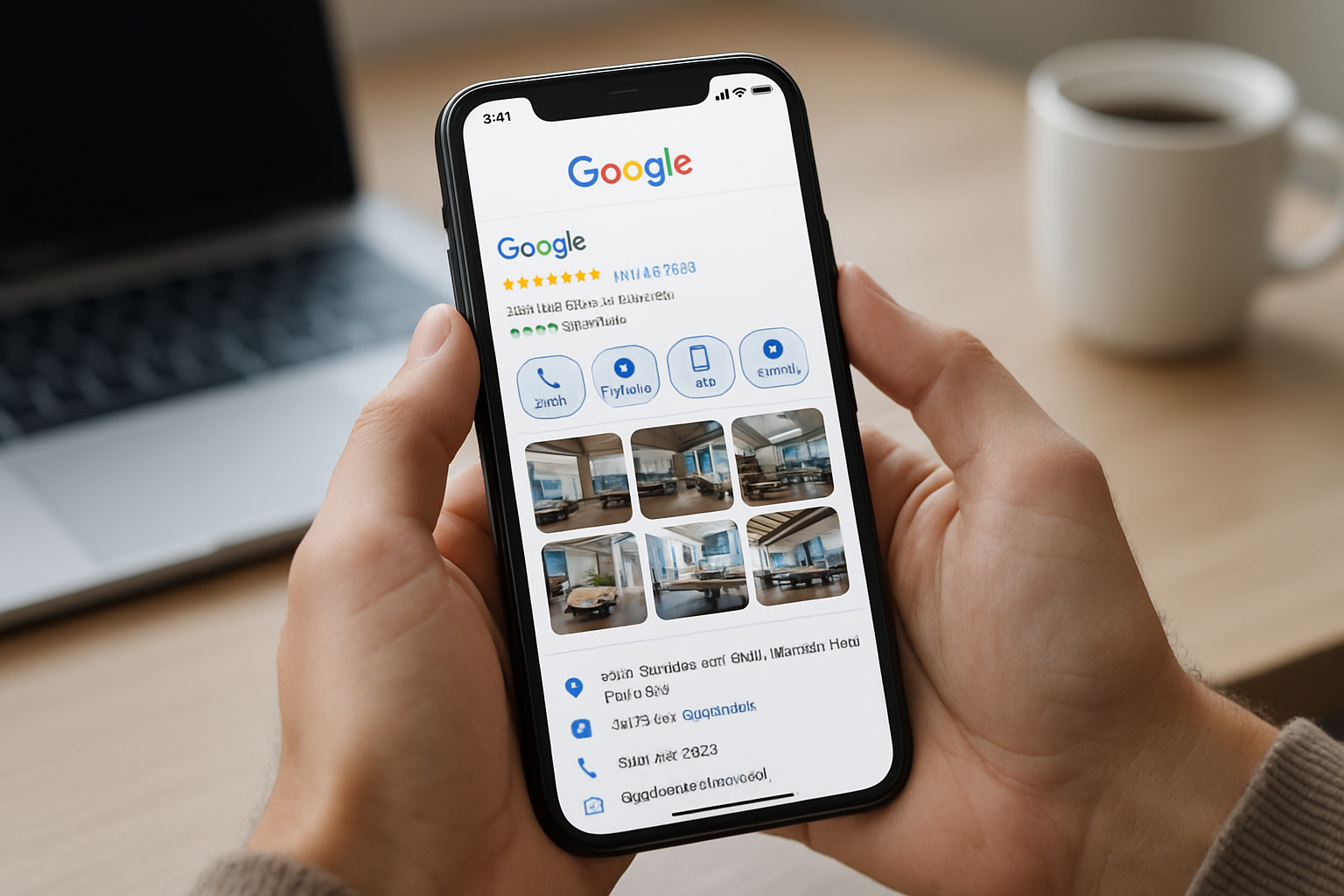
Skip the stock photos. People can smell them a mile away. Use real photos from your actual business. They don't need to be professionally shot—good smartphone photos work fine if they're well-lit and in focus.
Add photos of your work in action. If you're a dental practice offering teeth whitening services, show before-and-after results (with consent). If you're a contractor, show completed projects.
Logo and Cover Photo Strategy
Your logo should be square and recognizable at small sizes. Your cover photo should immediately communicate what you do. A restaurant should show food. A dental office might show a welcoming reception area or a happy patient.
This isn't the place for clever abstraction. Clear and immediate understanding wins every time.
Review Management That Builds Trust
Reviews are social proof, ranking signals, and conversion tools all rolled into one. You need them, and you need to manage them actively.
The goal isn't perfection—it's consistency and responsiveness. A business with 50 reviews and a 4.7-star average will often outperform a business with 5 reviews and a 5.0-star average. Volume plus recency signals legitimacy.
Ask for reviews systematically, not desperately. After a positive interaction, send a follow-up email or text with a direct link to your review page. Make it easy. The harder you make it, the fewer reviews you'll get.
Responding to Reviews (The Right Way)
Respond to every review—positive and negative. Positive reviews get a genuine thank-you that mentions something specific from their review. Negative reviews get a professional, empathetic response that offers to make things right offline.
Never argue publicly. Never make excuses. Acknowledge the issue, apologize if appropriate, and invite them to contact you directly. Future customers are watching how you handle problems.
If you're managing dental emergencies or any time-sensitive service, show in your responses that you take urgent situations seriously. This builds trust with people who haven't even contacted you yet.
Post Consistently Without Overthinking It
Google Posts keep your profile active and give you another way to show up in search results. Posts can announce offers, share updates, highlight events, or showcase new products and services.
Post at least once a week. More is better, but consistency beats frequency. Each post lives for seven days unless it's an event or offer with a specific date.
Keep posts short and action-oriented. Include a photo or video. Add a clear call-to-action button—learn more, book now, call now, sign up.
Share seasonal content. If you're in Billings, Montana, post about preparing for winter services, holiday hours, or summer specials. Local relevance matters. For dental practices, posts about cavity prevention during the holidays or keeping teeth safe during winter connect with what patients are actually thinking about.
What to Post When You're Not Sure
Customer success stories work well. Team spotlights humanize your business. Service explanations help customers understand what you offer. Behind-the-scenes content builds connection.
Don't overthink it. Your posts don't need to be marketing masterpieces. They just need to show that you're active, engaged, and ready to serve customers.
Attributes and Categories That Get You Found
Your primary category is the most important ranking factor on your profile. Choose the category that best describes your core business. You can add secondary categories, but your primary category should be specific and accurate.
If you're a general dentist, don't choose "Dental Clinic" if "Dentist" is an option. More specific is usually better, but only if it accurately reflects what you do.
Attributes tell customers what to expect—whether you're wheelchair accessible, if you offer free Wi-Fi, if you're LGBTQ+ friendly, if you accept specific payment methods. Select every attribute that applies to your business.
Some attributes are more important than others depending on your industry. For healthcare providers offering services such as ClearCorrect aligners, attributes around appointment scheduling, insurance acceptance, and accessibility matter significantly.
The Q&A Section Needs Your Attention
Anyone can ask questions on your profile, and anyone can answer them—including your competitors. Take control by seeding your Q&A section with common questions and accurate answers.
Think about what customers ask before they book or buy. Address concerns about pricing, process, timing, and expectations. Provide clear, helpful answers that demonstrate your expertise.
Monitor the Q&A section regularly. When new questions appear, answer them quickly and thoroughly. Similar to how you'd address concerns about dental bonding procedures or any other service, clarity reduces friction and increases conversions.
Moving Forward With Confidence
Google Business Profile optimization isn't a one-time project—it's an ongoing process that compounds over time. The businesses that win local search are the ones that treat their profile as a living asset that needs regular attention and updates.
Start with the basics: complete information, quality photos, and consistent review management. Then layer in regular posts and refined categories. The effort pays off in higher visibility, more clicks, and ultimately more customers.
If managing all of this feels overwhelming while running your business, that's exactly what our team at Agency 220 does every day. We help Billings businesses optimize their online presence so they can focus on serving customers instead of figuring out algorithms.
Check out our blog for more strategies on improving your local search performance, or explore our full range of services. Your Google Business Profile is your digital storefront—make sure it's working as hard as you are.
Frequently Asked Questions
How often should I update my Google Business Profile?
Update your profile whenever business information changes—hours, services, phone numbers. Beyond that, add new photos every 2-3 months and post at least weekly. Regular activity signals to Google that your business is active and engaged.
Do I really need to respond to every review?
Yes. Responding to reviews shows potential customers that you value feedback and engage with your community. It also gives you a chance to address concerns publicly and demonstrate excellent customer service. Both Google and customers notice businesses that respond consistently.
What types of photos perform best on Google Business Profile?
Authentic photos of your actual business outperform stock photos every time. Focus on exterior shots, interior spaces, team members, products or services in action, and completed work. Photos should be well-lit, in focus, and show what customers will actually experience when they choose your business.
How many Google Business Profile categories should I choose?
Choose one primary category that best describes your core business—this is your most important ranking signal. You can add secondary categories if you offer multiple distinct services, but focus on accuracy over quantity. Three to five relevant categories is typically sufficient for most businesses.
What's the best way to get more Google reviews?
Ask systematically after positive interactions. Send follow-up emails or texts with direct links to your review page within 24-48 hours of service. Make the process easy—the fewer steps required, the more reviews you'll receive. Never incentivize reviews or ask customers to change negative reviews, as both violate Google's policies.