The 7 Best Social Media Management Tools for Small Business Owners (2026 Guide)
The right social media management tool saves small business owners hours every week while improving results. Here's how to choose the best one for your business.
You're posting on three different platforms. Your content calendar lives in a spreadsheet. Your team is tagging you in DMs you won't see until tomorrow. And somewhere between scheduling posts and answering comments, you realize you've spent two hours on social media—and you haven't touched your actual business yet.
If that sounds familiar, you're not alone. The average small business owner spends 6+ hours per week managing social media, often without a clear system. That time adds up fast, especially when you're already wearing a dozen other hats.
Social media management tools exist to solve exactly this problem. The right platform can consolidate your accounts, automate repetitive tasks, and give you back hours every week—without sacrificing the personal touch your audience expects.
Why Small Business Owners Need Dedicated Management Tools
Let's be clear: you could keep doing everything manually. But here's what that actually costs you:
- Constant platform-switching eats up mental energy and focus
- Missed comments and messages damage customer relationships
- Inconsistent posting hurts your reach and engagement
- No data means you're guessing what works instead of knowing
A solid management tool doesn't just save time—it makes your entire social media marketing for small business strategy more effective. You post consistently, respond faster, and actually understand what's driving results.
What to Look for in a Social Media Management Tool
Not every platform fits every business. Before you commit to a subscription, make sure your tool checks these boxes:
Multi-Platform Support
Your customers aren't all on one platform. You need a tool that handles the best social media platforms for local businesses—Facebook, Instagram, LinkedIn, and whatever else makes sense for your industry. Cross-posting from one dashboard saves you from logging in and out all day.
Content Scheduling and Calendar View
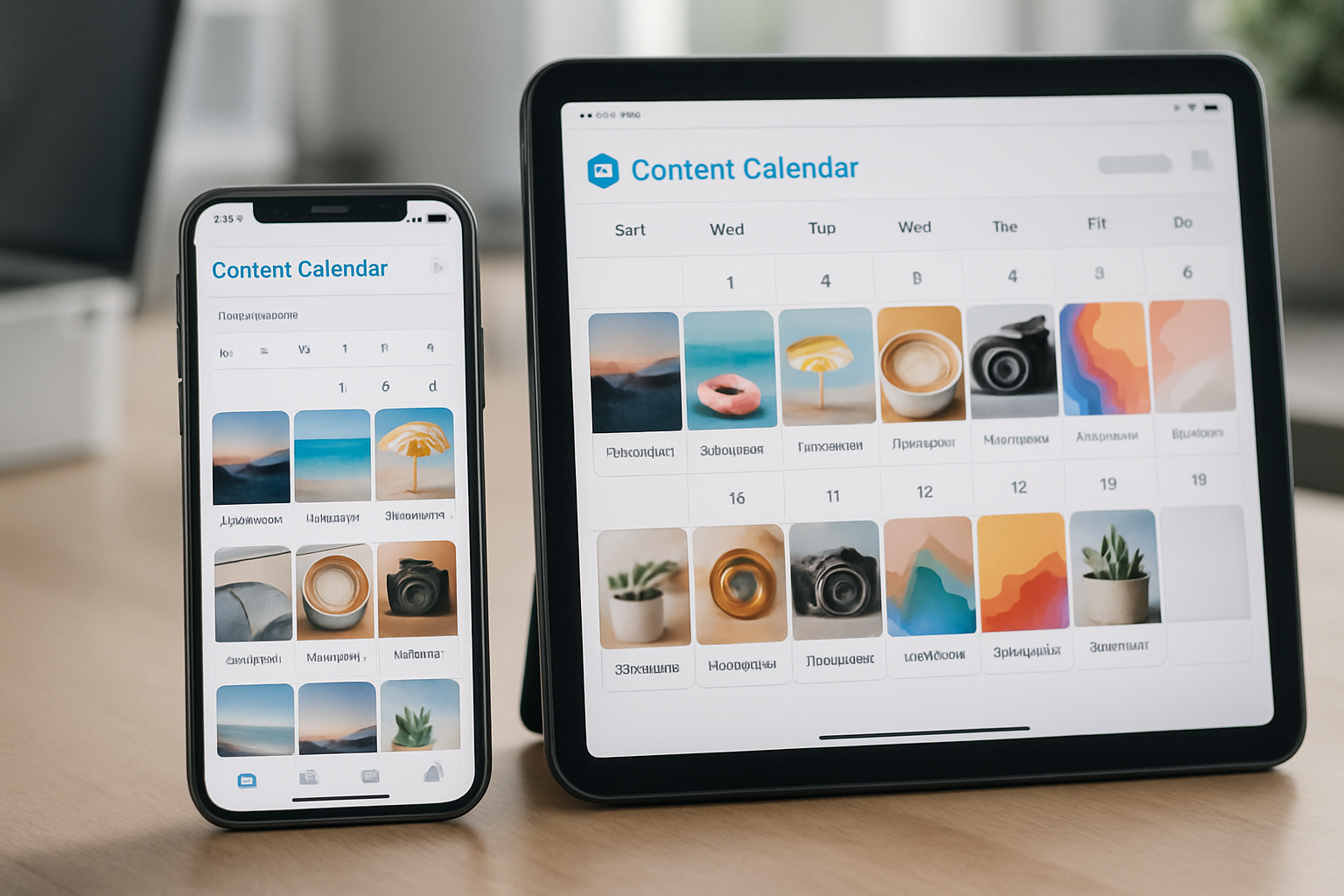
Being able to schedule posts in advance is table stakes. But the visual calendar view is what actually matters. You need to see your entire week or month at a glance, spot gaps, and make sure you're not accidentally posting three times in one day and then going silent for a week. This becomes especially critical when you're building out how to create a social media content calendar for small business.
Unified Inbox
Comments, DMs, mentions—they all come through different channels. A unified inbox pulls everything into one place so you're not missing messages or leaving customers hanging. Response time matters, especially for local businesses in places like Billings where word-of-mouth still drives serious revenue.
Analytics That Actually Help
Vanity metrics don't pay the bills. Look for tools that show you engagement rates, best posting times, and which content types drive actual results. You need this data to understand how to measure social media ROI for small business and make smarter decisions going forward.
Team Collaboration Features
If you have employees or work with a marketing agency, you need role-based access and approval workflows. The last thing you want is someone accidentally posting from your business account at 2 AM.
Top Social Media Management Tools for Small Business Owners
Buffer
Buffer keeps things simple, which is exactly what most small business owners need. The interface is clean, scheduling is straightforward, and the free plan supports three social accounts. Their analytics are solid without being overwhelming, and the browser extension lets you queue content as you find it.
Best for: Solopreneurs and very small teams who want simplicity over advanced features.
Pricing: Free plan available; paid plans start at $6/month per channel.
Hootsuite
Hootsuite is the heavyweight option. It handles more platforms than most tools (including Pinterest and YouTube), offers robust team features, and provides deep analytics. The learning curve is steeper, but the power is there once you're up to speed.
Best for: Growing businesses that need comprehensive features and can invest time in setup.
Pricing: Plans start at $99/month for one user.
Later
Originally built for Instagram, Later now supports multiple platforms with a visual-first approach. Drag-and-drop scheduling makes it easy to plan your feed aesthetic, and the media library keeps your content organized. The mobile app is particularly strong.
Best for: Visual businesses (retail, food, design) where Instagram is a primary channel.
Pricing: Free plan available; paid plans start at $25/month.
Zoho Social
If you're already using Zoho for CRM or other business tools, Zoho Social integrates seamlessly. The listening features help you track brand mentions and industry keywords, and the collaboration tools work well for small teams.
Best for: Businesses already in the Zoho ecosystem or those wanting listening features on a budget.
Pricing: Plans start at $15/month for one brand.
Sprout Social
Sprout Social delivers enterprise-level features with a user-friendly interface. The customer relationship management (CRM) features are exceptional, the reporting is comprehensive, and the support is top-notch. It's not cheap, but you get what you pay for.
Best for: Established small businesses that treat social media as a serious growth channel.
Pricing: Plans start at $249/month per user.
Meta Business Suite
If you're only managing Facebook and Instagram, Meta's free tool does the job. It's not fancy, but it's reliable, native to the platforms, and costs nothing. The insights are decent, and you can schedule posts weeks in advance.
Best for: Businesses focused exclusively on Facebook and Instagram with zero budget for tools.
Pricing: Free.
Agorapulse
Agorapulse strikes a nice balance between power and usability. The social inbox is excellent, the reporting is customizable, and the competitor analysis features help you see what's working in your market. Customer support is responsive and helpful.
Best for: Small businesses that need robust features without Hootsuite's complexity or Sprout's price tag.
Pricing: Plans start at $49/month for one user.
How to Choose the Right Tool for Your Business
Start with your actual needs, not the feature list. Ask yourself:
- How many social accounts do I actively manage?
- Do I need team access or am I managing everything solo?
- What's my realistic budget for this tool?
- Which features would actually save me time versus nice-to-haves?
Most platforms offer free trials. Take advantage of them. Spend a week actually using the tool—schedule real content, respond to real messages, run real reports. You'll know pretty quickly whether it fits your workflow or fights against it.
And remember: the best tool is the one you'll actually use. A simple platform you check daily beats a powerful one you ignore because it's too complicated.
Making Your Tool Work Harder
Once you've chosen a platform, set aside an hour to properly configure it. Connect all your accounts, set up your team roles, customize your posting schedule, and build out content templates for recurring post types.
Then batch your content creation. Spend one afternoon per month creating and scheduling posts instead of scrambling daily. This approach pairs perfectly with your content calendar and frees up time for engagement and strategy.
Finally, actually look at your analytics monthly. Don't just collect data—use it. Which posts drove the most engagement? What times did your audience respond best? What content types fell flat? Adjust your strategy based on what the numbers tell you, especially if you're running paid campaigns and need to justify your social media advertising budget for small business.
Get Your Time Back
Social media shouldn't consume your entire day. The right management tool turns chaos into system, guesswork into strategy, and hours of work into minutes of smart execution.
Whether you're a Montana-based contractor, a Main Street retailer, or a service business trying to compete online, these tools level the playing field. You don't need a dedicated social media manager when you have the right platform doing the heavy lifting.
Ready to build a complete social media strategy around the right tools? Agency 220 helps small businesses in Billings and beyond create social systems that actually work. We'll help you choose the right tools, build your content strategy, and turn your social media presence into a real growth channel.