How to Redesign a Website Without Losing SEO: A Practical Guide for Business Owners
Learn how to redesign your website while protecting your search rankings with this practical guide covering redirects, content preservation, and technical SEO.
You've finally decided to pull the trigger on a website redesign. Your site looks dated, conversion rates have stalled, and you're ready for something better. But there's one fear keeping you up at night: what if you lose all your search engine rankings in the process?
It's a legitimate concern. We've seen businesses drop from page one to page three overnight because they didn't protect their SEO during a redesign. The traffic disappeared, leads dried up, and what should have been an exciting improvement turned into a months-long recovery project.
The good news? You can absolutely redesign your website without sacrificing your hard-earned search visibility. It just takes the right approach and attention to detail.
Why Website Redesigns Kill SEO (And How to Prevent It)
Most SEO disasters during redesigns happen for predictable reasons. URLs change without redirects. Page content gets completely rewritten or removed. Site structure shifts without consideration for how Google understands your site. Meta data gets wiped out in the migration.
These aren't mysterious technical failures—they're planning failures.
Before you start designing mockups or writing new copy, you need a preservation strategy. If you're just beginning to explore whether a redesign makes sense for your business, check out these signs your business needs a website redesign to make sure the timing is right.
Document Your Current SEO Performance
Start by creating a baseline. Export your current rankings for target keywords, note your organic traffic numbers from the past 6-12 months, and identify your top-performing pages. Google Analytics and Google Search Console give you everything you need.
Pay special attention to pages that drive actual business results—not just traffic. That blog post ranking #3 for a keyword might get 50 visits a month, but if it converts at 8% and brings in qualified leads, it's more valuable than a page with 500 visits and zero conversions.
This documentation serves two purposes: it shows you what's worth protecting, and it gives you a recovery roadmap if something does go wrong.
The Pre-Launch SEO Checklist
Once you understand what you're protecting, you can build your redesign with SEO in mind. This is where most businesses need a detailed website redesign checklist for small business to keep all the moving pieces organized.
Create a Complete URL Mapping Document
This is non-negotiable. Every single page on your current site needs a destination on your new site. If a page is being retired, it needs a logical redirect to the most relevant new page.
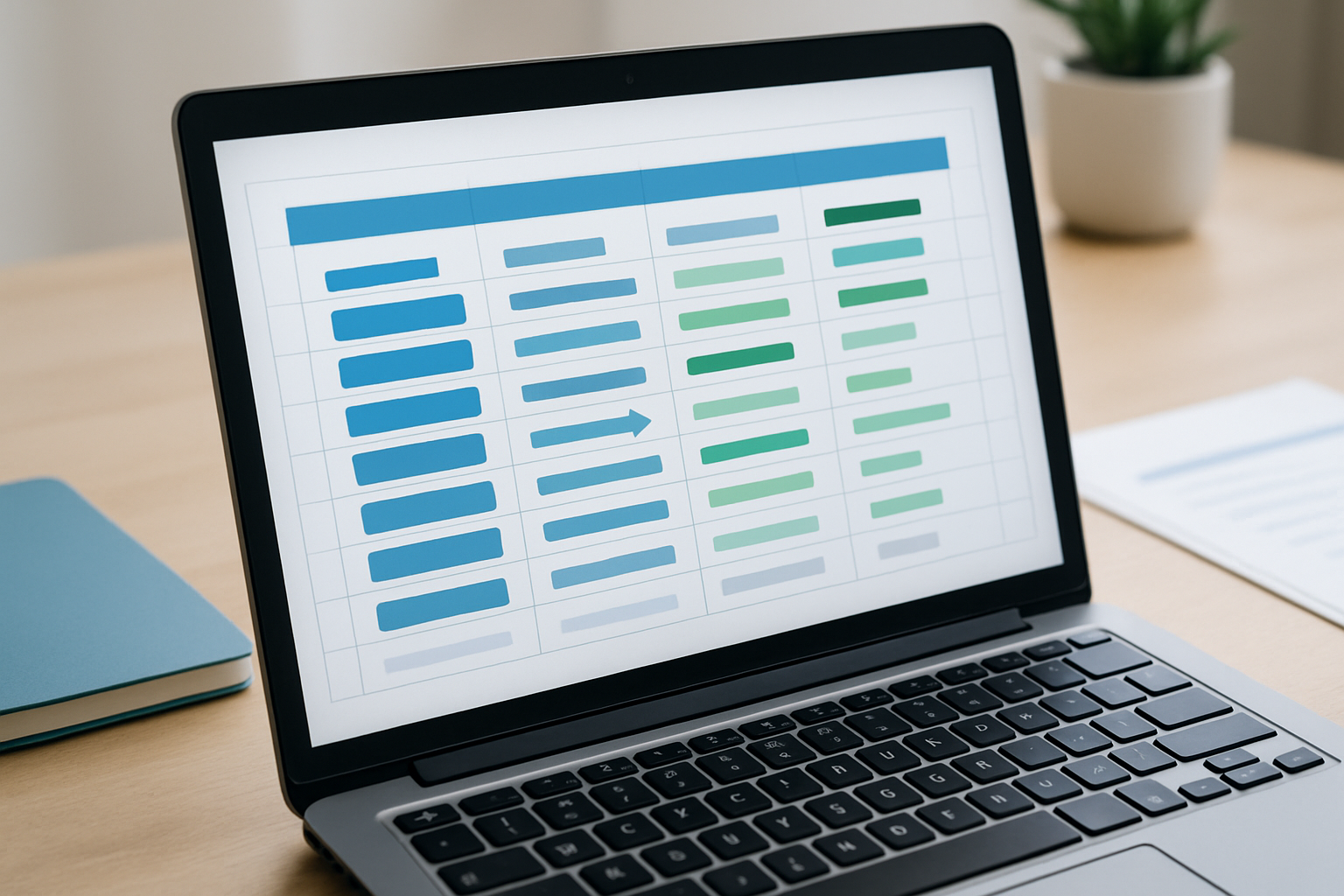
Use a simple spreadsheet: old URL in column A, new URL in column B, redirect type (usually 301) in column C. Have someone else review it. One missed redirect can cost you months of rankings for an important page.
For businesses in competitive markets like Billings, where local search visibility directly impacts foot traffic and phone calls, losing rankings on a key service page can mean losing customers to competitors who show up in those search results instead.
Preserve Your Best Content
Don't throw away content just because you want a fresh look. If a page ranks well and drives business, keep the core elements that make it valuable.
You can absolutely improve the writing, update outdated information, and make it more scannable. Just don't gut the substance that Google—and your visitors—found valuable in the first place.
Look at your title tags, meta descriptions, header structure, and keyword usage. These don't need to be identical on the new site, but they should maintain topical relevance and target the same search intent.
Maintain (or Improve) Your Site Architecture
Google understands your site through its structure. Important pages should be no more than 3-4 clicks from your homepage. Related content should link to each other. Your navigation should make logical sense to both humans and search engines.
If your current architecture is messy, a redesign is a great opportunity to improve it. Just don't make radical changes without understanding the SEO implications. Moving your entire blog from /blog/ to /resources/ might seem like a good branding decision, but it requires careful redirect planning.
Technical SEO Elements You Can't Forget
The visual redesign gets all the attention, but the technical foundation determines whether your SEO survives. Understanding the full website redesign timeline and process helps you allocate enough time for these critical technical elements.
Page Speed and Core Web Vitals
Your new design might look stunning, but if it loads slowly, Google won't rank it well—and visitors won't stick around. Test your page speed throughout development, not just at launch.
Large images are the most common culprit. Compress them, use modern formats like WebP, and implement lazy loading. Your designer might want that hero image at 4000 pixels wide, but your users visiting on mobile data in rural Montana don't need that file size.
Mobile Responsiveness
Google indexes the mobile version of your site first. If your redesign looks great on desktop but breaks on smartphones, you'll lose rankings. Period.
Test on actual devices, not just browser emulators. Check that buttons are tappable, text is readable without zooming, and forms work properly on smaller screens.
Schema Markup and Structured Data
If your current site uses schema markup for reviews, local business information, FAQs, or products, make sure it carries over to the new site. This structured data helps Google understand your content and can earn you rich snippets in search results.
The Launch Strategy That Protects Rankings
Launch day is when theoretical planning meets reality. Even with perfect preparation, issues can emerge. Having a clear website redesign guide for businesses ensures you're approaching the entire project strategically, not just reacting to problems as they surface.
Launch on a Low-Traffic Day
If possible, launch your redesign on a Tuesday, Wednesday, or Thursday. Avoid Mondays (when you're already dealing with weekend issues) and Fridays (when you want your team available if problems arise). Launching at 2am on a Saturday might seem clever, but if something breaks, you're troubleshooting on the weekend.
Monitor Everything Immediately
The first 48 hours after launch are critical. Check Google Search Console for crawl errors. Monitor your analytics for traffic drops. Test forms and conversion paths. Verify that all redirects are working.
Small issues caught quickly are easy fixes. Small issues that go unnoticed for a week can compound into serious problems.
Submit Your New Sitemap
Once the site is live, submit your updated XML sitemap to Google Search Console. This helps Google discover and index your new pages faster. Don't assume Google will naturally find everything—give them a roadmap.
Post-Launch SEO Monitoring
The redesign isn't finished when the site goes live. The next 30-60 days require active monitoring and adjustment.
Track your rankings weekly for the first month. Some fluctuation is normal as Google re-evaluates your pages, but significant drops on important keywords need immediate investigation. Compare traffic and conversion rates to your pre-redesign baseline.
This is also when you'll discover if the redesign actually improved your business performance. A site can maintain its rankings but still fail to convert visitors better than the old design. Understanding measuring ROI of a website redesign helps you evaluate success beyond just preserving search visibility.
When You Need Expert Help
Some businesses have the internal expertise to manage an SEO-safe redesign. Many don't—and that's completely normal.
If you're running a growing business in Billings, your time is better spent on operations, sales, and serving customers than learning the intricacies of 301 redirects and schema markup. Working with a team that handles website redesigns regularly means fewer surprises and faster problem-solving when issues do surface.
The cost of getting it right the first time is almost always less than the cost of recovering from a botched launch. Lost rankings can take 3-6 months to fully recover, if they recover at all. During that time, you're losing leads to competitors who show up in search results while you don't.
Moving Forward With Confidence
Redesigning your website without losing SEO isn't about luck—it's about process. Document your current performance, create comprehensive redirect plans, preserve what's working, fix what's broken, and monitor closely after launch.
The businesses that succeed are the ones that treat SEO as a core requirement, not an afterthought. When you plan for it from day one, you can improve your design, user experience, and conversion rates while maintaining or even improving your search visibility.
If you're ready to move forward with a redesign that protects your hard-earned search rankings while delivering a site that actually drives business growth, let's talk about your project. We've guided dozens of Montana businesses through successful redesigns, and we'd be happy to help yours succeed too.